What’s New in AccuMark V2025.1 – April 2025 Release
AccuMark V2025.1 introduces powerful enhancements designed to streamline pattern design workflows, improve automation, and boost overall productivity for fashion designers, pattern makers, and manufacturers. This latest update focuses on efficiency, flexibility, and smarter tools to help you work faster and deliver precise results.
Group Pieces in Pattern Design
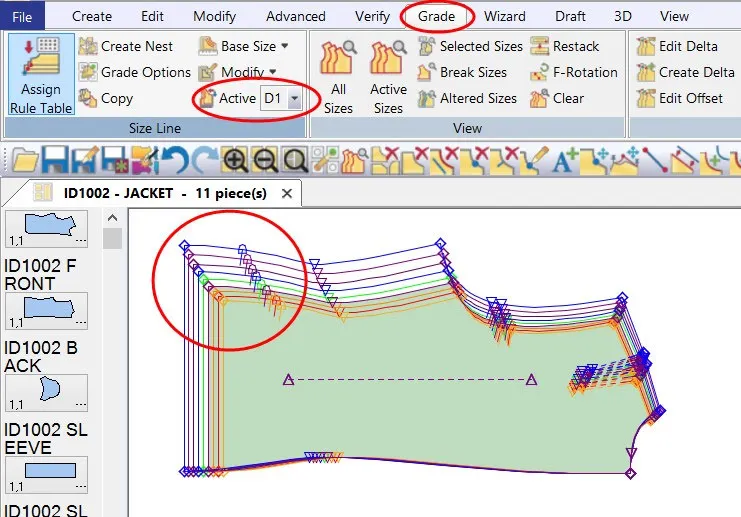
Simplify complex pattern operations by grouping multiple pieces within Pattern Design. This feature allows users to maintain selections across multiple steps without repeatedly selecting pieces using traditional methods like marquis selection. By creating piece groups, you can efficiently apply actions such as rotate, modify, and adjust across multiple elements at once.
Grouped pieces remain saved within the PDS work session, enabling consistent workflow continuity. As you hover over any piece in a group, all associated pieces are highlighted, making selection clear and intuitive. Additionally, users can isolate specific pieces using the current piece box without needing to ungroup, offering greater control and flexibility during editing. Selected pieces are also visually enhanced using customizable color settings for better visibility.
Trim Mirrored Corner (Professional Edition Only)
Reduce bulk and improve garment accuracy with the new Trim Mirrored Corner functionality. This feature allows users to remove excess fabric from mirrored corners where overlapping geometry may create unnecessary thickness. It ensures cleaner finishes and more precise pattern outputs, especially in complex designs.
Enhanced Pattern Wizard with Custom User Menus
Expand your workflow customization with the upgraded Pattern Wizard. Users can now create up to three additional script groups (User1, User2, User3), each supporting up to 25 macro scripts. This enhancement significantly increases scripting capacity and improves organization.
By editing the MenuSetup.txt file, you can structure scripts according to your workflow needs. Default categories such as Mens, Womens, Childrens, and Industrial remain available, while custom groups allow for tailored automation. This feature is ideal for teams looking to standardize processes and improve efficiency in pattern creation.
Image Replacement for Fabrics (Professional Edition Only)
Take digital design visualization to the next level with advanced image replacement capabilities. This feature enables users to replace fabric and trim images directly through XML configurations, allowing greater flexibility in creating design variations.
Each image type can be defined and managed within a grid interface, with dedicated options for fabric and trim selection. This is particularly useful for digital printing workflows and visual merchandising, helping teams generate multiple design variations quickly and efficiently.
New View Feature in Data Conversion Utility
Gain better insights during data conversion with the newly added View functionality in the Data Conversion Utility (DCU). Users can now preview detailed information and images of files being converted, improving accuracy and reducing errors during the conversion process.
Cut Ticket Creation in Batch Processing (Professional Edition Only)
Automate production workflows with integrated cut ticket creation during batch processing. Users can define ply height and fabric color directly within the Batch Parameter Table or while submitting jobs.
Cut tickets include essential production details such as cut file references, number of plies, fabric type, and spread requirements. This ensures clear communication between departments and reduces manual intervention. With this enhancement, companies can automate the entire workflow—from order import and marker nesting to cut file generation and export—saving time and improving operational efficiency.
Default Comment for AccuMark Zip Files
Improve collaboration and communication by adding default comments to AccuMark zip files. Users can define a standard message that is automatically included when creating zip files, which can still be edited if needed.
These comments can include instructions, software version details, or contact information, ensuring recipients have all necessary context. This feature helps save time while maintaining consistency across shared files.
Find Model Option in AccuMark Explorer
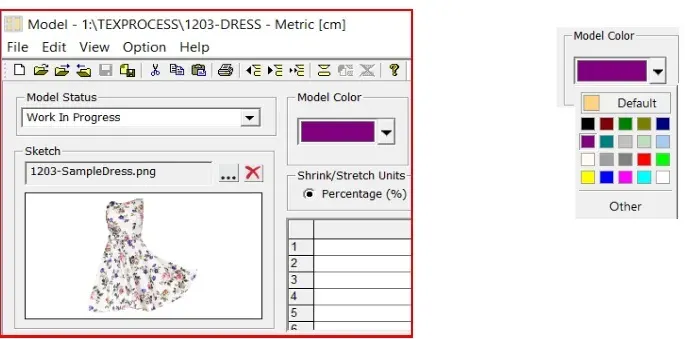
Quickly locate and manage models using the enhanced Find functionality. Users can now search for specific Model Options across multiple storage areas, making it easier to identify and update related models.
This is especially useful when modifications are required across multiple models, such as adding or removing pattern pieces. The ability to edit results directly from the search pane significantly improves workflow efficiency.
Nesting by Model for Cloud Processing
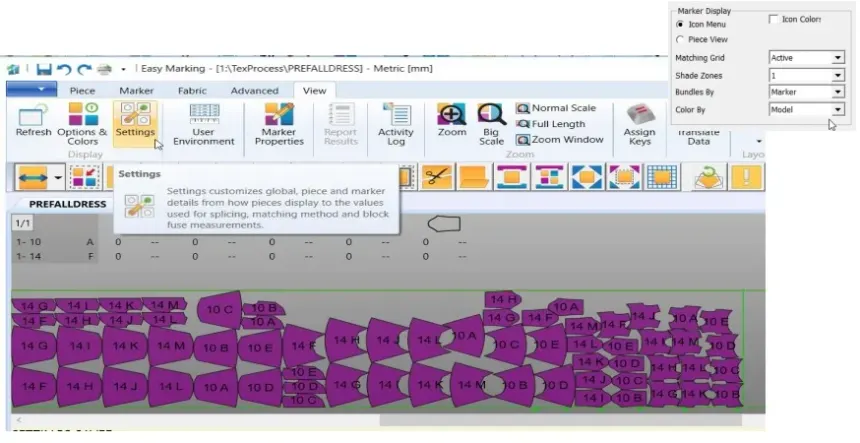
Optimize marker placement with the new nesting-by-model capability. In addition to existing options like size, bundle, and category, users can now define nesting sections based on models when sending markers for cloud nesting.
This provides greater flexibility and control, ensuring more efficient material utilization and improved production planning.
GetInfo – Advanced System Diagnostics Tool
Introducing GetInfo, a dedicated tool designed to simplify troubleshooting and support. This utility gathers comprehensive system information, including hardware details, licensing data, environment settings, and installed applications.
Accessible from the Help tab across AccuMark applications such as Explorer, Pattern Design, and Easy Marking, GetInfo enables faster issue resolution by providing support teams with all necessary diagnostic data.
Upgrade to AccuMark V2025.1 today to experience enhanced automation, smarter pattern design tools, and improved production efficiency. Whether you’re optimizing workflows or scaling operations, this release delivers the performance and flexibility modern fashion businesses demand.







Reviews
There are no reviews yet.